
Announcing End Point Timesheet, our open source time-tracking tool

By Ben Ironside Goldstein
November 5, 2026
Today we’re open-sourcing End Point Timesheet, the flexible time-tracking and reporting application we built and have used internally for years.
Timesheet supports more than simply recording hours. It helps teams organize work across clients and projects, manage access, monitor available hours, and turn time entries into useful operational and billing reports.
Its features include:
- Calendar and daily views for entering, editing, and reviewing time
- Searchable project hierarchies and quick access to frequently used projects
- Project managers, recurring hour budgets, and “hours in the bank” tracking
- Reports by date range, project, or user, including billing reports, saved presets, and PDF output
- Users, teams, groups, roles, and fine-grained permissions
- Tools for viewing another user’s calendar, switching roles, and managing approvals
The application has a React frontend, a Rails JSON API, and PostgreSQL. The complete development stack can be started with one Docker Compose command and includes demo data, making it straightforward to explore locally.
Preparing the application for release
Getting an established internal application ready for the public took more than moving its code …
company open-source ruby rails
Modernizing a Rails app from the last decade

By Kevin Campusano
October 29, 2026

Rails upgrades can be hard, especially when jumping through multiple major versions. Conventions change, APIs get deprecated, core gems get updated, and third-party gems get abandoned. Things can get out of hand rather quickly if the work isn’t done carefully. Rails’ own guide for upgrading recommends a conservative, step-by-step approach: make sure you have good test coverage, keep in mind the Ruby versions that each version of Rails requires, and upgrade Rails little by little. Upgrade to the latest patch release of your current version, fix the issues that come up, then upgrade to the latest patch release of the next minor version. Keep doing that until you reach the target version. This is hard work.
But there’s another option. We can create a brand new Rails project using the latest version, and port the old code into the new project. File by file, feature by feature. This approach also has its issues, and can sometimes actually be harder. But sometimes, given the correct conditions, it can produce a better outcome.
We recently went through this exercise for a Rails project that we inherited. It was written in 2018, ran Rails 5, and we were tasked with …
ruby rails artificial-intelligence
Human-in-the-Loop in a Multi-Agent Travel Planner

By Bimal Gharti Magar
October 22, 2026

In the previous post I turned the multi-agent travel planner into a real multi-turn conversation with SQLite persistence and per-conversation locking. Every follow-up ran through a router that picked which agents to re-invoke, and the plan lived in a right-pane view that refreshed with each turn.
That post ended with a working chat surface. This one is about the piece you need before handing it off to anyone else: a way for a human to approve the plan before it commits — and, just as importantly, the weak-model hardening that made it safe to run the pipeline on cheaper providers in the first place. The ops side of the story (Docker, nginx, Litestream, OpenTelemetry) is its own post coming next.
The source code is on GitHub.
What we will cover
- A short tour of the weak-model hardening that made cheaper providers usable — verdict-inversion bugs, tool-calling loops, and the philosophy shift they forced
- An approval gate that pauses the pipeline after Auditor and only lets Aggregator run once a human clicks Approve
- Reject-with-feedback that turns a rejection into a new Replan turn instead of a dead end
- Refresh recovery so a paused turn survives a tab-close, and the per-conversation …
dotnet csharp artificial-intelligence programming
Upgrading a Vue.js application from version 2 to 3 using carefully directed AI
By Kevin Campusano
October 15, 2026

I wouldn’t go as far as saying that AI coding agents have made all programming problems shallow. But one area where they do excel is in well-specified but tedious tasks like upgrading a codebase to work with newer versions of their underlying frameworks and libraries.
Recently we inherited a legacy Ruby on Rails web application that had its frontend written with Vue.js 2. We were tasked with modernizing the entire codebase, and the frontend was of course a big part of that work. Version 2 of Vue has long been deprecated, so we needed to upgrade it to version 3.
Recently, with the advent of AI coding agents, the level of effort required for such tasks has been greatly reduced. However, in order to maintain ownership, control, and a thorough understanding of the codebase, and ensure high internal and functional quality, we couldn’t simply throw the codebase to our agent and big-bang-prompt it: “Please upgrade this codebase to version 3 of Vue”.
Instead, we took a deliberate, carefully planned approach where we owned the design decisions and relied on the agent for most of the grunt work and subsequent troubleshooting. In this blog post I’ll explain how …
vue javascript artificial-intelligence rails
Announcing Youth Town Hall — a new civic platform
By Ben Ironside Goldstein
October 5, 2026
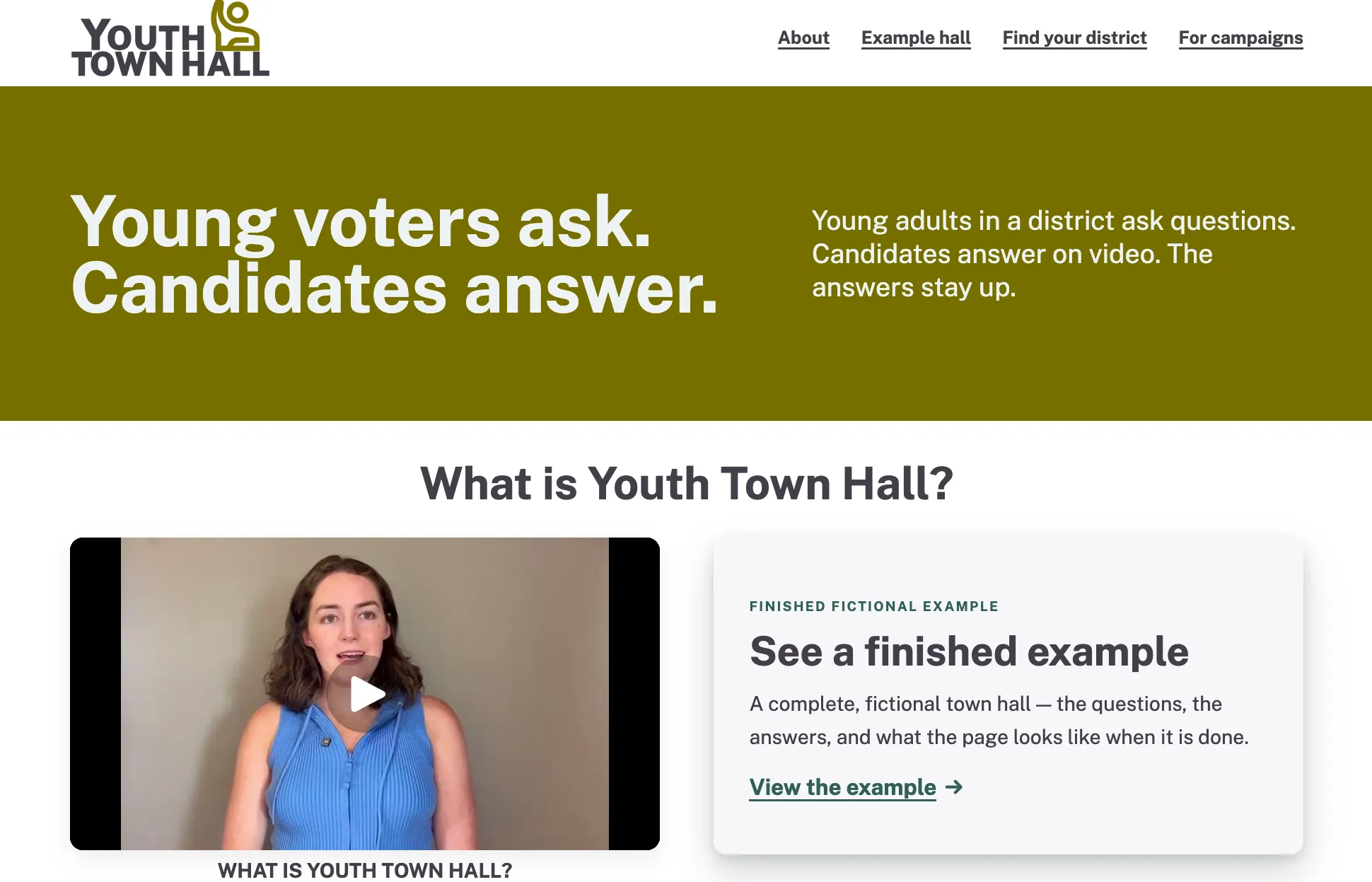
We’re proud to announce Youth Town Hall, a nonpartisan platform where political candidates can connect with constituents ages 18–35. Each town hall gives young adults a focused place to submit questions and watch candidates’ video responses—without ads, algorithmic feeds, or vitriolic commentary.
We developed Youth Town Hall with the people behind the Presidential Youth Debates, which organized debates among U.S. presidential candidates—including Bill Clinton, Bob Dole, George W. Bush, John Kerry, Ralph Nader, Barack Obama, and John McCain—from 1996 to 2012.
Those events invited young people to help shape the conversation rather than simply watch it: youth-submitted questions, informed by a broad network of civic, educational, and media partners, were put directly to presidential contenders. Youth Town Hall carries that basic idea forward in a format built for participation across distance and schedules.
Connecting young voters with candidates remains important, but today’s media environment often works against sustained attention. Much political outreach happens by text, email, and social media. These channels can reach many people, but their messages arrive amid countless other …
company video
Migrating a web app from .NET Core 2.2 to .NET 10

By Juan Pablo Ventoso
September 8, 2026

.NET Core 2.2 reached end of life years ago, so applications running on this version no longer receive security patches or bug fixes. Considering those risks, we recently migrated a client’s production application from .NET Core 2.2 to .NET 10. The application consists of a Razor Pages web app, a Web API that communicates with their public website, and a unit / integration test project. We also decided to use Claude Code to assist with the process, which turned out to be a great tool for organizing the work.
Going from .NET Core 2.2 to .NET 10 is a big jump, so before making any changes we put together an assessment of the application dependencies, potential breaking changes, and estimated the work involved in each area. The assessment was useful as a starting point, but some of the estimates changed (mostly for the better!) once we started working through the actual code with Claude. The range of hours from the estimate was ~32–59 hours, with a realistic mid-range of ~45 hours. How many hours did it take in the end? Keep reading :).
A phased plan
First, we turned the assessment into a plan document, dividing the migration into twelve phases, each with its own scope and …
dotnet artificial-intelligence
Creating custom dictionaries with the Forgery gem
By Kevin Campusano
August 28, 2026

When it comes to generating fake data for testing (or any other purpose), most Rails projects nowadays use the Faker gem. With a simple function call, you can generate a random name, email, telephone number, etc.
However, if you’re still using the Forgery gem, there’s a neat trick that it has up its sleeve that, even though Faker can also do it, I’d say it feels more natural with Forgery: creating custom dictionaries. That is, defining a custom list of values and having the gem use that list as its data source.
This might be useful when you want to generate random-ish data, but want to limit the possible values.
In this short and sweet blog post, I show you how.
First, we add the gem to our Gemfile:
gem "forgery", ">= 0.8.1"Then, we run its generator:
bundle exec rails generate forgeryThis generates a directory structure under lib which serves as the foundation for our customizations:
lib
└── forgery
    ├── dictionaries
    ├── extensions
    ├── forgeries
    └── formats
Under lib/forgery/dictionaries we will put a raw text file with the list of words that we want our custom dictionary to contain. Under lib/forgery/forgeries we will put …
ruby rails
Upgrading Rails 5 to Rails 8 with AI: What Broke After the Specs Went Green

By Edgar Mlowe
August 4, 2026

We moved our internal Timesheet app, a legacy Rails application, from Ruby 2.4.10 and Rails 5.0.1 to Ruby 3.3.6 and Rails 8.1.3, with AI assisting the work throughout. We did it as a fresh-app transplant: build a clean Rails 8 app, move the old code into it, and get it running. The backend RSpec suite went green. bin/rails zeitwerk:check eager-loaded the configured application code without complaint.
Then we brought up the real stack for the first time: a development server, a seeded database, the React frontend, a real browser. Every request behind login returned a 500. The calendar failed. Monthly totals crashed. The 18 Playwright end-to-end tests run against that same live stack, so they only went green after those failures were fixed. The green suite had not been wrong. It had been silent.
This post is about that gap. What broke in a direct Rails 5 to Rails 8 transplant, why a green suite missed it, and how we verified the application’s highest-risk workflows after the migration. The app tracks hours, billing, reports, users, roles, and permissions, so quiet wrong answers matter more than loud crashes.
Why a fresh-app transplant instead of an incremental upgrade
The …
artificial-intelligence ruby rails open-source troubleshooting